100% Local & Offline Storage
All your notes remain securely stored on your own Mac at all times, with zero dependence on cloud servers or internet connections.

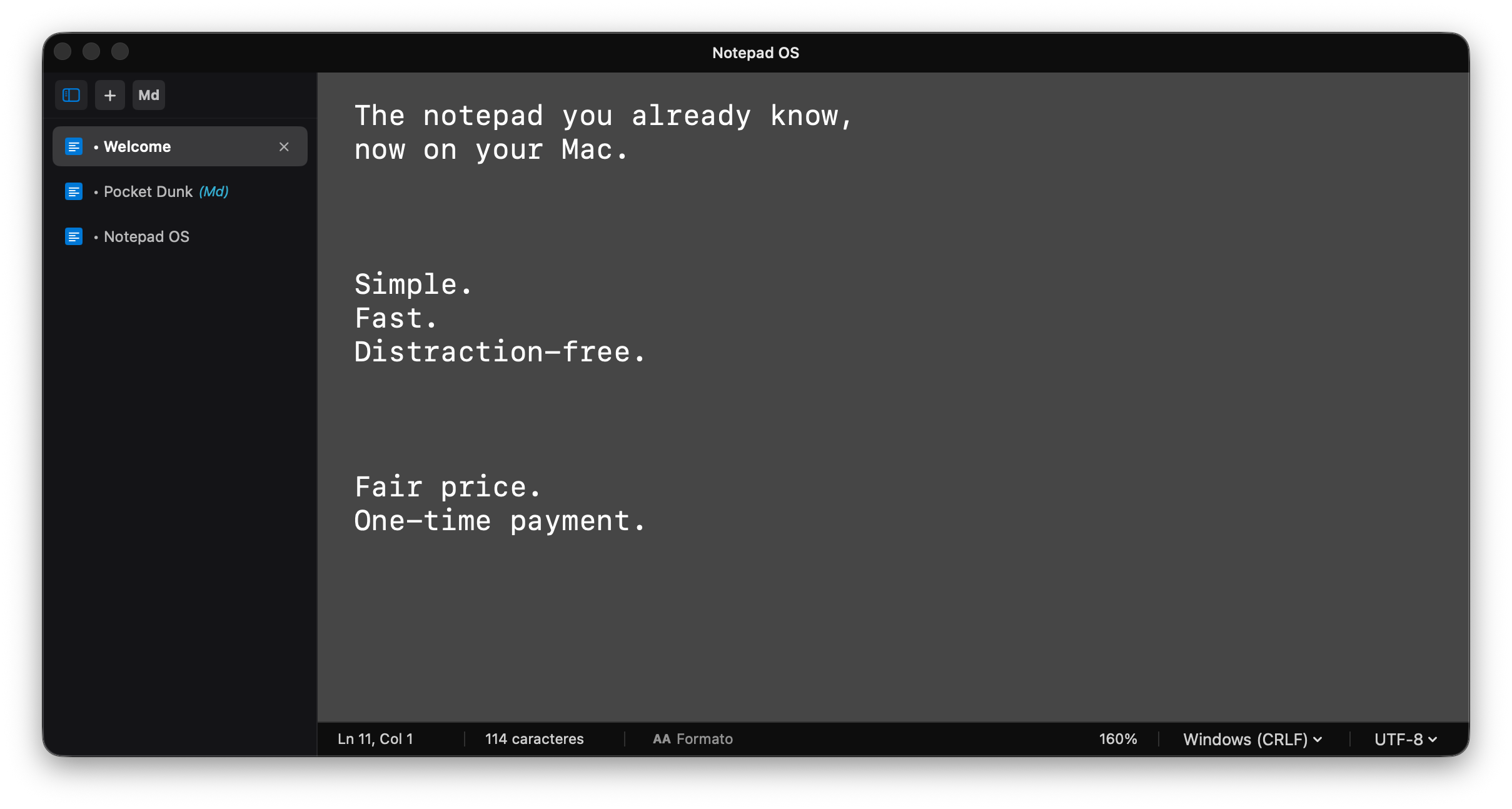
All your notes remain securely stored on your own Mac at all times, with zero dependence on cloud servers or internet connections.
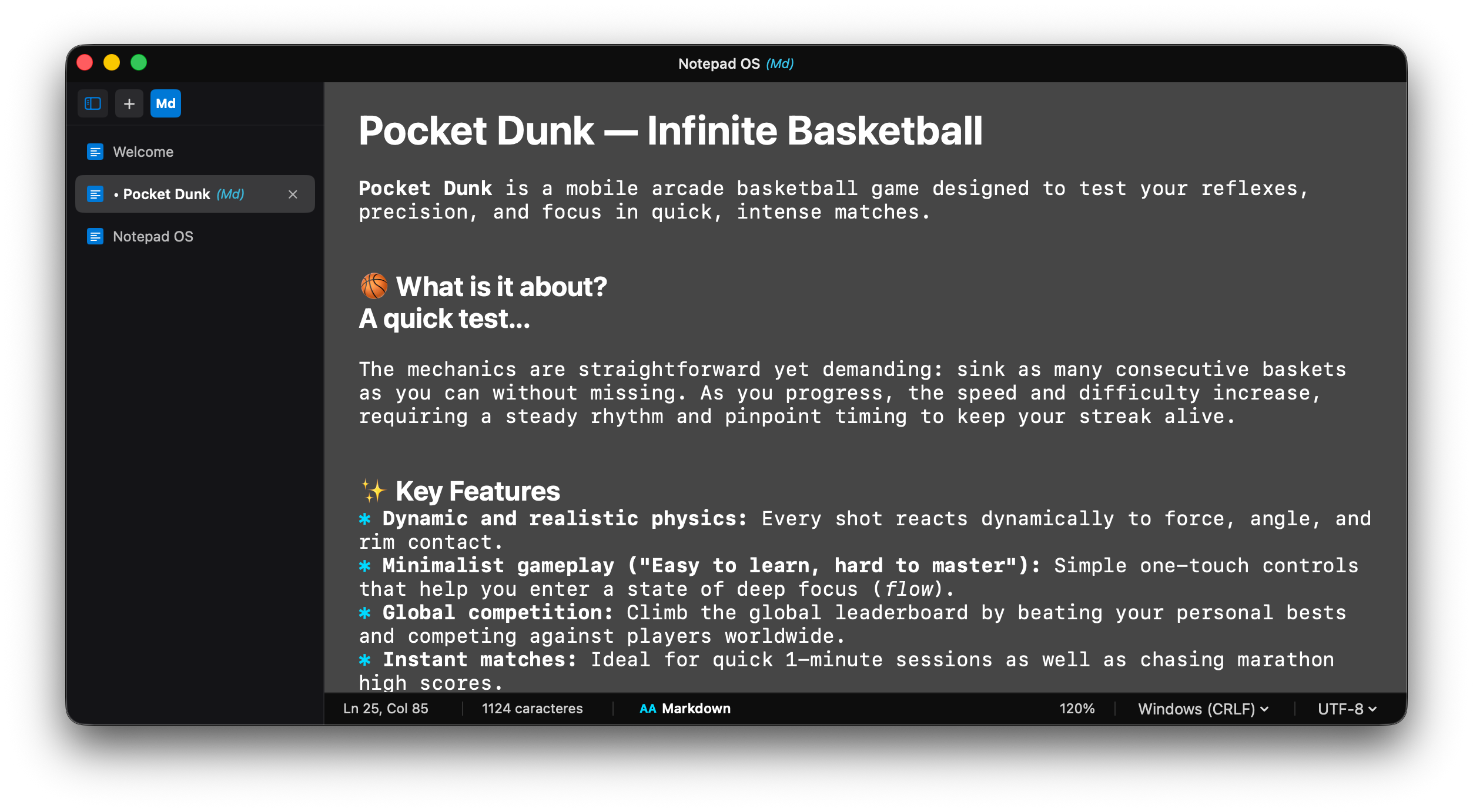
Switch effortlessly between pure plain text and formatted Markdown typography with clickable web links in protected view.
Engineered natively for macOS with negligible memory footprint, ready in a split second whenever inspiration strikes.
Open the app and start typing immediately. Zero accounts required, zero analytics tracking, and single lifetime purchase.
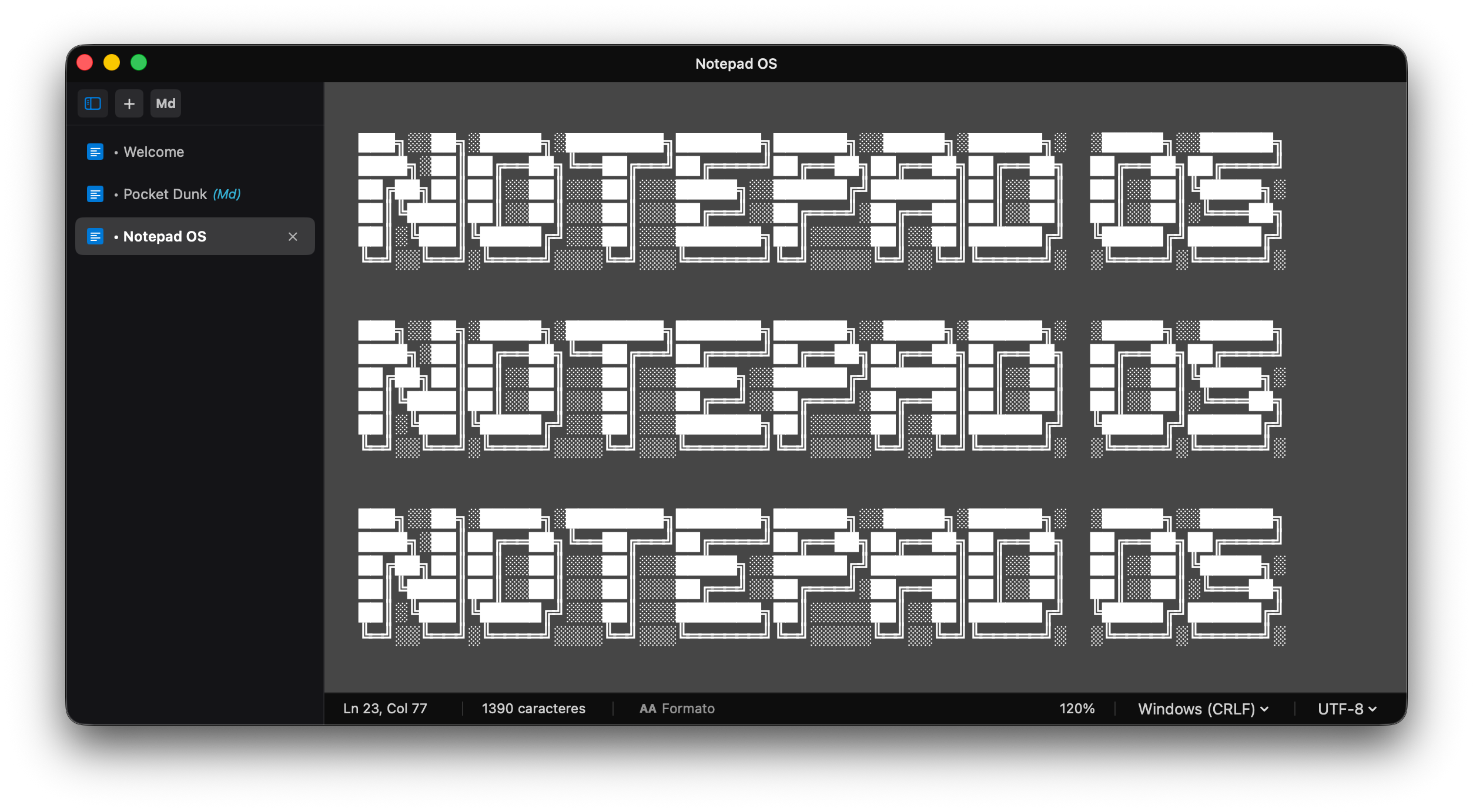
Choose between Classic Light, native Dark Mode, or the modern Neo aesthetic for optimal writing comfort at any time of day.
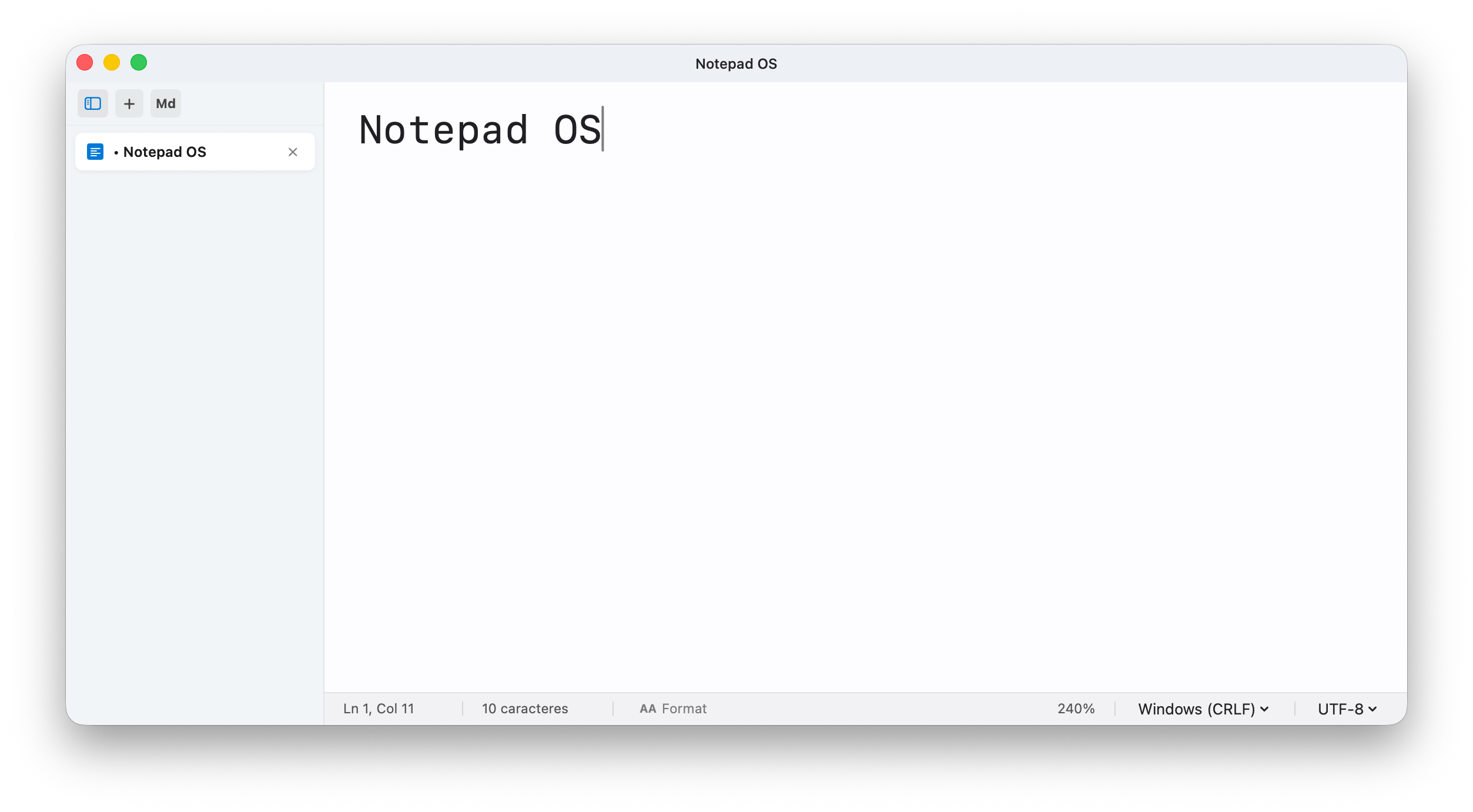
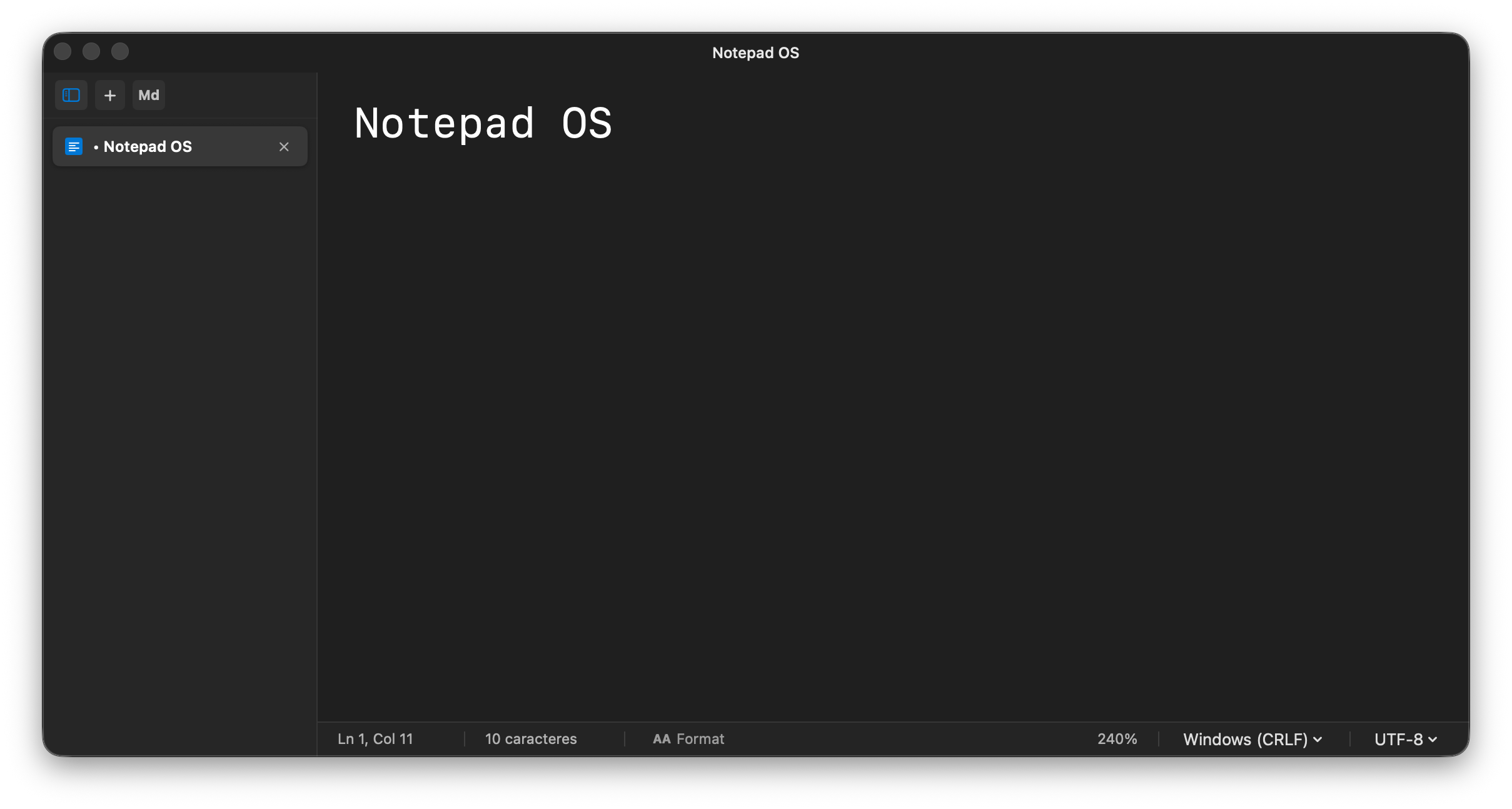
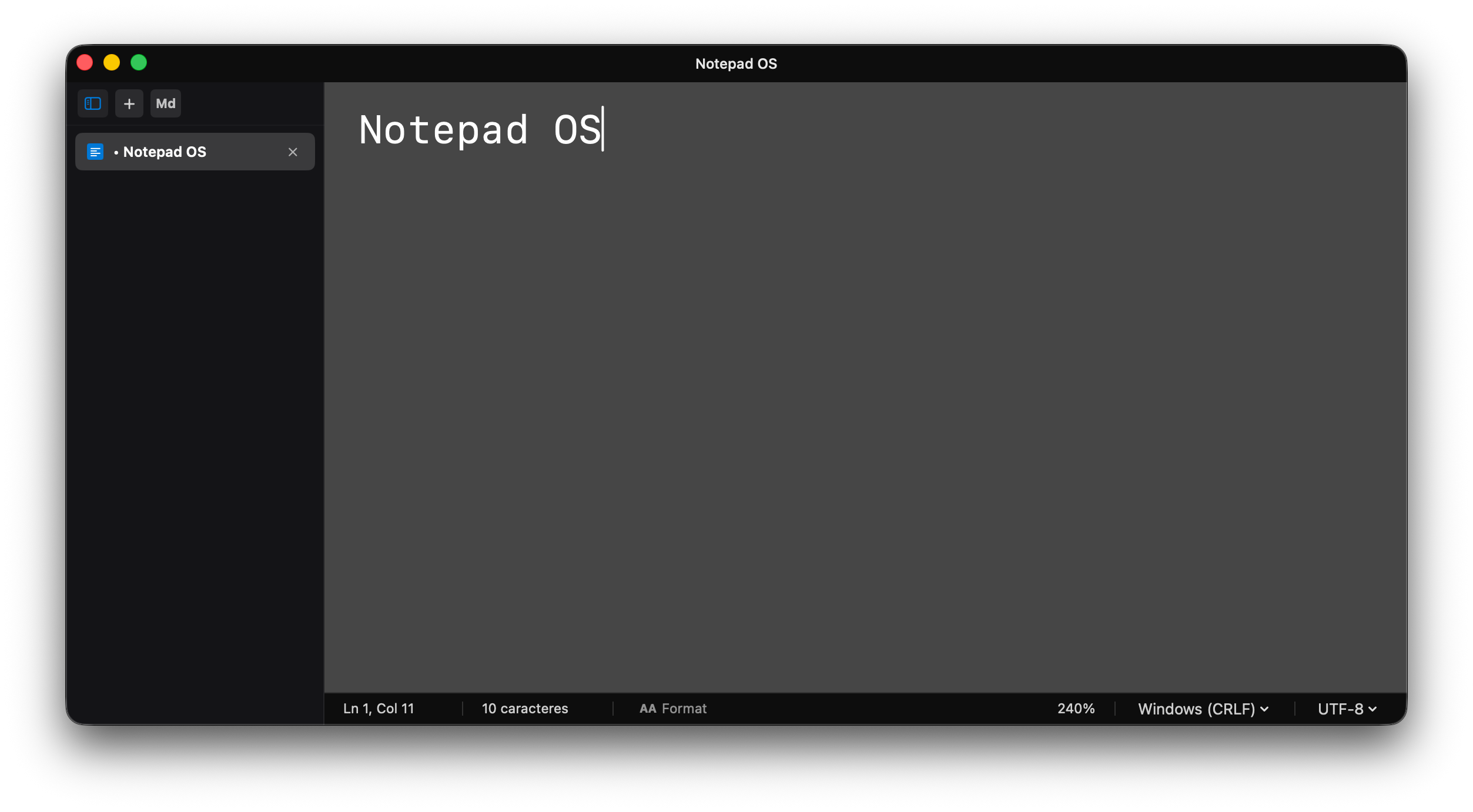
Notepad OS is the classic, familiar notepad experience built natively for Mac. Designed to open, type, and save instantly without clutter.
No. Notepad OS is a single one-time purchase. Buy it once and get all future updates included.
Click the 'Md' button or press ⌘M to format your text into clean typography with clickable links in protected read-only mode.
Your notes remain 100% local on your Mac. No external servers, mandatory accounts, or telemetry tracking.
100% Private & Local: Notepad OS respects your privacy completely. It collects zero personal data, contains zero trackers, and never transmits your notes.
Want to read the full terms?Have a question, feature request, or technical feedback? Drop me an email and I'll reply promptly.
SEND AN EMAIL